4
Supported data formats
JSON, YAML, XML and CSV handled in a single workspace.
Structured Data. Crystal Clarity.
TreeLens turns JSON, YAML, XML and CSV into a premium visual workspace with resizable editor panes, hand-drag navigation, wheel zoom, node search and share-ready exports.
TreeLens Preview
name: Platform
members: 7
stack: [Nuxt, Bun, TypeScript]
Focus Lens
Depth 3 active
Product metrics
4
Supported data formats
JSON, YAML, XML and CSV handled in a single workspace.
8+
Productivity actions
Parse, format, transform, share, export and more in one place.
100%
Mouse-first visualization
Hand drag, wheel zoom, search, focus and centering controls.
1 click
Fullscreen mode
Go immersive instantly for deep debugging or live presentations.
Core Capabilities
Adjust input panel width with drag-and-drop so editing and visualization stay balanced.
Move across large node maps by dragging the canvas and zooming with mouse wheel around your cursor.
Focus first node, center graph, zoom in/out and search paths from a compact visual command dock.
Transform formats, create share snapshots and export PNG with native Nuxt server routes.
Workflow
01 / 03
Bring API payloads, schemas or files and let parsing state update in near real-time.
upload -> parse -> validation
02 / 03
Use hand drag, wheel zoom, first-node focus and search to locate critical branches quickly.
drag-pan + wheel-zoom + search
03 / 03
Convert formats, generate snapshot links and export graph images for docs and reviews.
transform -> share -> export png
Product gallery
These screens emphasize the implemented editor, canvas controls and sharing flow.

Continuous workspace to edit structured data and validate hierarchy without context switching.
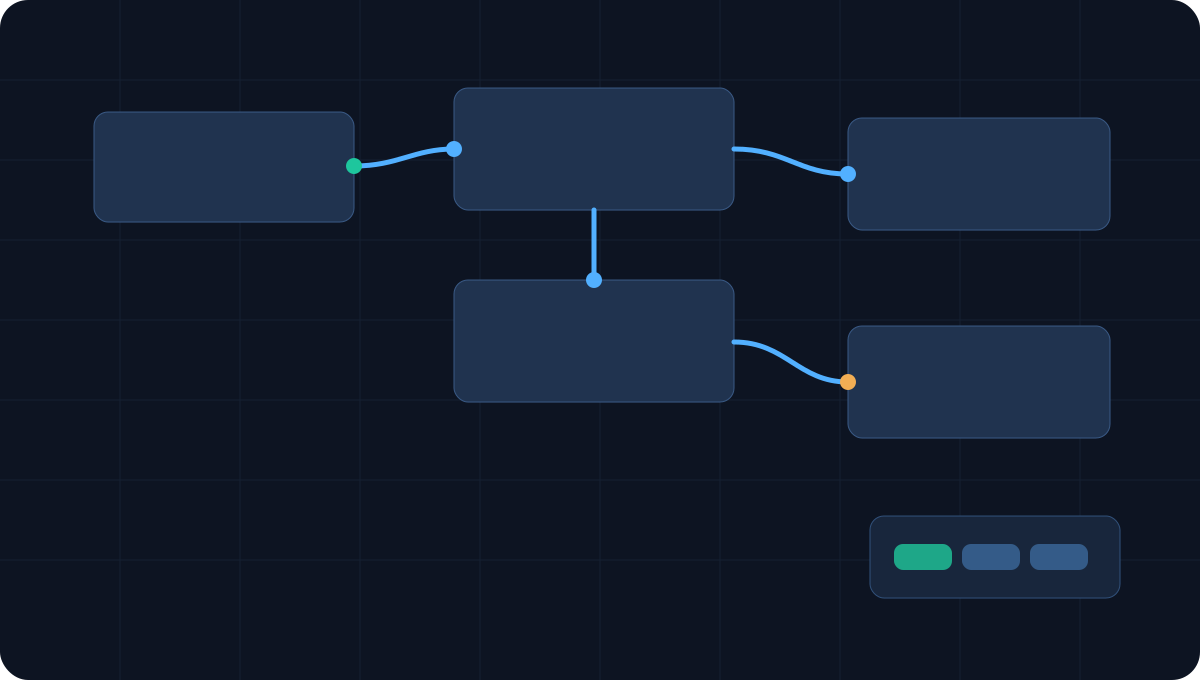
Clear graph readability with draggable exploration and zoom-focused branch analysis.

Fast access to zoom, centering, first-node focus and text search in one compact area.
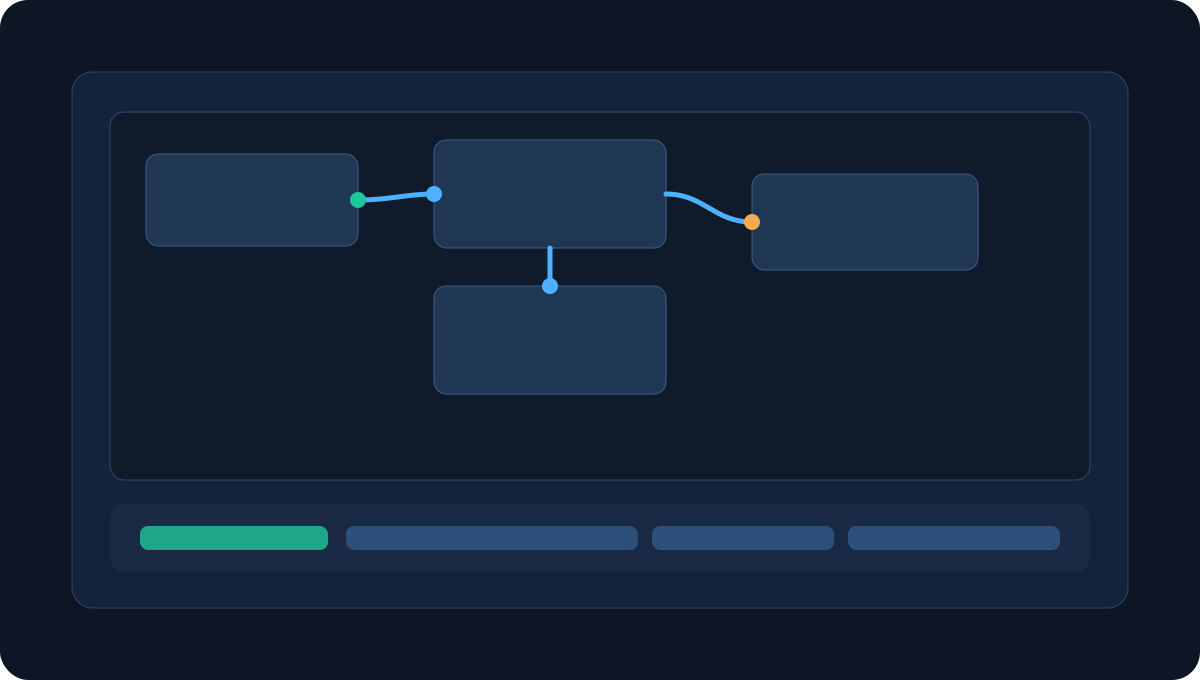
PNG export and share snapshots designed for technical docs and review sessions.
Recent updates
Added bottom dock actions for zoom in/out, center graph, first-node focus and match highlighting via search.
Node area now behaves like a free canvas, replacing classic scrolling with drag-pan and pointer-aware zoom.
Introduced splitter drag for editor width and toolbar fullscreen toggle for immersive analysis sessions.
Added creator section, visual gallery and product overview modal to communicate TreeLens value faster.

Profile summary based on public GitHub data and official links provided.
Site creator
Victor Jose Lopes Navarro
Software Engineer • Creator • Tech Educator
A developer focused on scalable web and mobile experiences, with strong emphasis on TypeScript, Bun and Vue ecosystem tooling. Also creates free technical content for the community.
10K+
Technical-content reach on YouTube
Top Voice
Recognition in Web Development
100+
Public lessons from my YouTube courses
Use Cases
01
API payload inspection in development and QA
02
Deep-structure diagnosis with pan/zoom and node search
03
Documentation visuals with PNG export
04
Architecture reviews with shareable visual snapshots
FAQ
JSON, YAML, XML and CSV are supported now, with architecture prepared for TOML and custom schemas.
Yes. TreeLens includes Nuxt server routes that generate internal share links for snapshots.
No. It is an editor-first workspace with parsing, formatting, validation and export workflows.
Content optimized for specific JSON, YAML, XML and CSV searches, focused on organic discovery and conversion to the workspace.
See full tools hub